
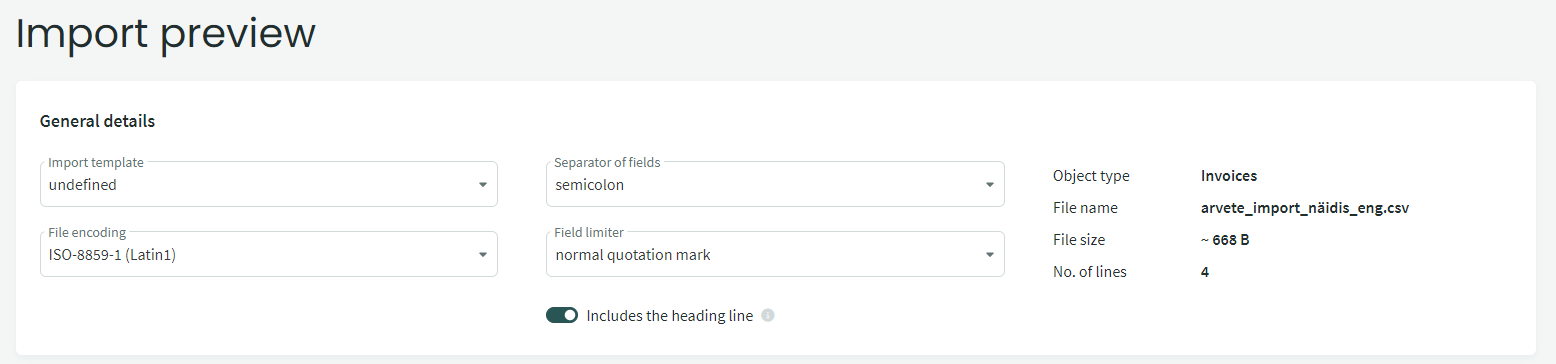
Sales invoices previously created in other software can also be imported from a CSV file. However, whenever possible, we recommend importing invoices from an e-invoice (XML) file instead.
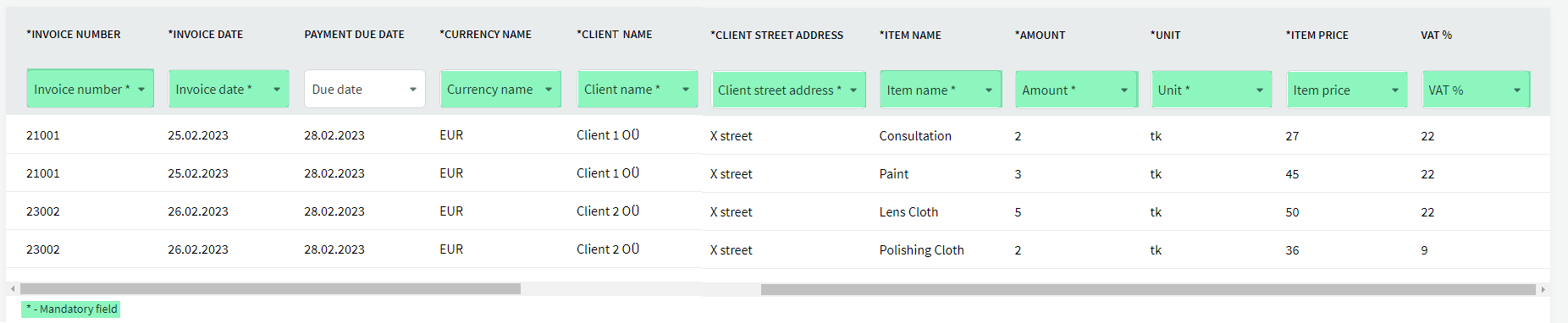
● The following information is required when importing from a CSV file:- invoice number
- invoice date
- currency
- customer name
- customer registration number – optional, but useful to include if the customer is a legal entity
- customer’s street address
- item name (= the information displayed in the Content field on the invoice line)
- quantity
- unit
- item price (= the price per unit displayed in the Price field)
- VAT percentage
For additional questions, please contact us at support@simplbooks.ee.

Leave A Comment?